Convert Video to GIF Online or by API
Turn a short video section into a smooth, palette-optimized animated GIF. Run the preset directly on this page or call the same agent-ready endpoint from your product.
Prefer the shell? Convert a video to GIF with FFmpeg, the verified FFmpeg command for this edit.
See what the tool changes.
A real example: the after side is the unedited output of a KinoPipe job. Run the live form above to generate the same result from your own media.
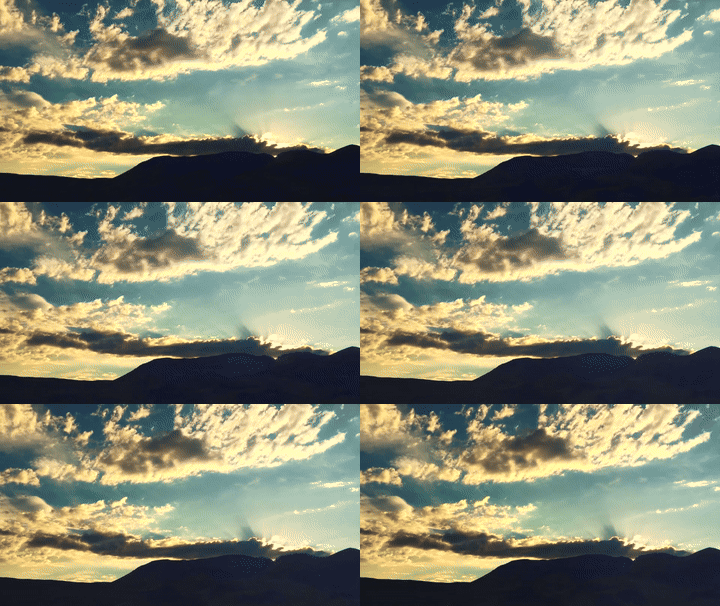 GIF · 15 FPS
Demo footage: public-domain timelapses (Bureau of Land Management, Oregon · NASA SVS). Processed by the same pipeline the API and MCP tools call.
Useful defaults, typed options.
The tool slug stays stable while your agent supplies named media inputs and a narrow set of documented options.
- Palette-based GIF quality
- Controlled width and frame rate
- Looping downloadable output
- 01Trim a short source section
- 02Resize with Lanczos scaling
- 03Generate a color palette
- 04Render a loopable GIF with palette dithering
POST /api/v1/tools/convert-video-to-gifThe command this runs
ffmpeg -ss 2 -i input.mp4 -t 4 -filter_complex "[0:v]fps=15,scale=640:-2:flags=lanczos,split[a][b];[a]palettegen=max_colors=256[p];[b][p]paletteuse=dither=sierra2_4a[out]" -map "[out]" -an -loop 0 output.gif- split[a][b] … palettegen … paletteuse
- The whole trick, and the reason this command looks intimidating. Most guides run two commands and write a palette PNG to disk between them. split sends the same frames down both branches at once, so one pass builds the palette and the other applies it.
- dither=sierra2_4a
- Error diffusion. Rather than snapping each pixel to the nearest of the 256 colours and banding a gradient, it spreads the rounding error into neighbouring pixels. You trade a faint texture for the absence of stripes, which is almost always the better deal.
- flags=lanczos
- A sharper downscale than the default. It matters more here than in a video, because a GIF is usually shrunk a long way and there is no motion compensation to hide a soft result.
- -ss before -i, -t after
- Putting -ss ahead of the input makes FFmpeg seek instead of decoding and discarding everything before the start. On a long file that is the difference between instant and a minute of wasted work.
The size problem, said plainly
GIF has no interframe compression worth the name, so a four-second 640-pixel clip at 15 fps routinely lands between two and eight megabytes, often larger than the MP4 it came from. That is the format, not the encoder.
If the destination accepts video, an MP4 or a WebM will be a fraction of the size at better quality. GIF earns its place where nothing else plays: an email, a README, an old chat client, a wiki.
What this will not do
It will not go past 30 seconds, 30 fps or 1280 pixels. Those ceilings exist because the file size climbs faster than the usefulness does.
It will not keep the audio. GIF has no audio track, so it is dropped rather than silently lost somewhere.
It will not run on your machine. You pass a URL, the render happens on a worker, and you get a signed URL back; a local file goes through an upload first. If the clip must never leave your laptop, use the command above rather than this endpoint.
Doing it yourself
The command is the whole tool, and it is worth keeping in a snippet file. What is being sold here is that an agent can ask for four seconds at 15 fps without composing that filter string correctly, and that a request for 40 seconds comes back as a typed refusal naming the 30-second ceiling rather than a GIF nobody wants to download.