Video Thumbnail Generator API
Generate a sharp thumbnail or poster frame at an exact timestamp. Run the preset directly on this page or call the same agent-ready endpoint from your product.
Prefer the shell? Extract a thumbnail from a video with FFmpeg, the verified FFmpeg command for this edit.
See what the tool changes.
A real example: the after side is the unedited output of a KinoPipe job. Run the live form above to generate the same result from your own media.
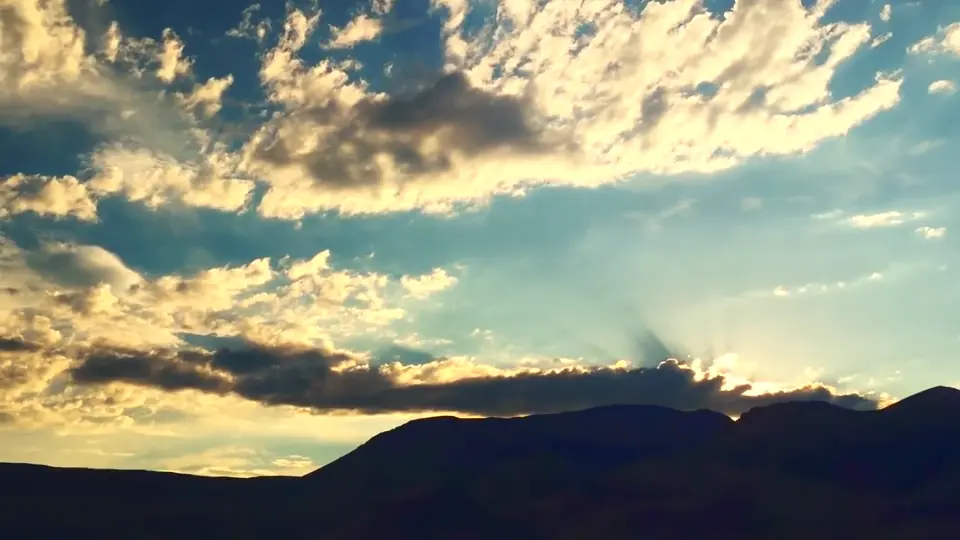
Demo footage: public-domain timelapses (Bureau of Land Management, Oregon · NASA SVS). Processed by the same pipeline the API and MCP tools call.
Useful defaults, typed options.
The tool slug stays stable while your agent supplies named media inputs and a narrow set of documented options.
- Exact poster frames
- JPEG and WebP outputs
- Deterministic timestamps
- 01Read the source video
- 02Seek to the requested timestamp
- 03Extract one high-quality frame
- 04Encode a WebP or JPEG image
POST /api/v1/tools/video-thumbnail-generatorThe command this runs
ffmpeg -ss 3.5 -i input.mp4 -frames:v 1 -an -q:v 2 output.jpg- -ss 3.5 before -i
- Jumps to the timestamp instead of decoding everything before it, which on a two-hour file is the difference between instant and minutes. Plenty of guides still say this costs you accuracy and makes you choose between -ss before and after the input. On FFmpeg 9.0.1, which is what runs here, the two orders produce a byte-identical image; we checked rather than repeated it.
- -frames:v 1
- One frame, then stop. Without it FFmpeg happily writes a numbered image for every frame it decodes.
- -q:v 2
- JPEG quality, on a scale where 2 is near-best and 31 is worst. The default is noticeably softer, and a poster frame is the one image a viewer judges your video by before pressing play.
- -an
- Drops the audio. A still has none, and some containers error rather than ignore the stream.
The hard part is choosing the frame, not extracting it
Pulling a frame is one line. Knowing which second to pull is the actual problem, and this tool does not solve it: it takes the number you give it and never looks at the picture.
If you are picking blind across a library, detect_scenes returns the timestamps where the shot changes, which are usually the frames worth showing, and find_highlights ranks moments by what is being said. Feed one of those numbers in here rather than guessing at one second and hoping.
What this will not do
It will not resize. You get the frame at the source resolution, so a 4K video yields a 4K JPEG, which is rarely what a thumbnail slot wants.
It will not add text, a play button or a border. Nothing is drawn on the frame.
It will not avoid a bad frame. Black at the start, a blurred pan, a face mid-blink: it extracts what is there at the second you named.
Doing it yourself
One line, no dependencies past FFmpeg, and worth keeping in a snippet file. The reason to call this instead is a pipeline: an agent that has just detected scenes has the timestamps in hand and can ask for the frame without shelling out, and a request for a timestamp past the end of the video comes back as a typed error rather than an empty file.
Know the boundaries before you run.
About generate thumbnails
Related media tools
Convert Video to GIF Online or by API
Turn a short video section into a smooth, palette-optimized animated GIF.
ExploreTrim Video with an API
Cut a precise segment from a source video using start and end times.
ExploreCreate a Social Video Clip
Cut and reframe a source video for Shorts, Reels or vertical social feeds.
Explore